
Access control and keyless entry
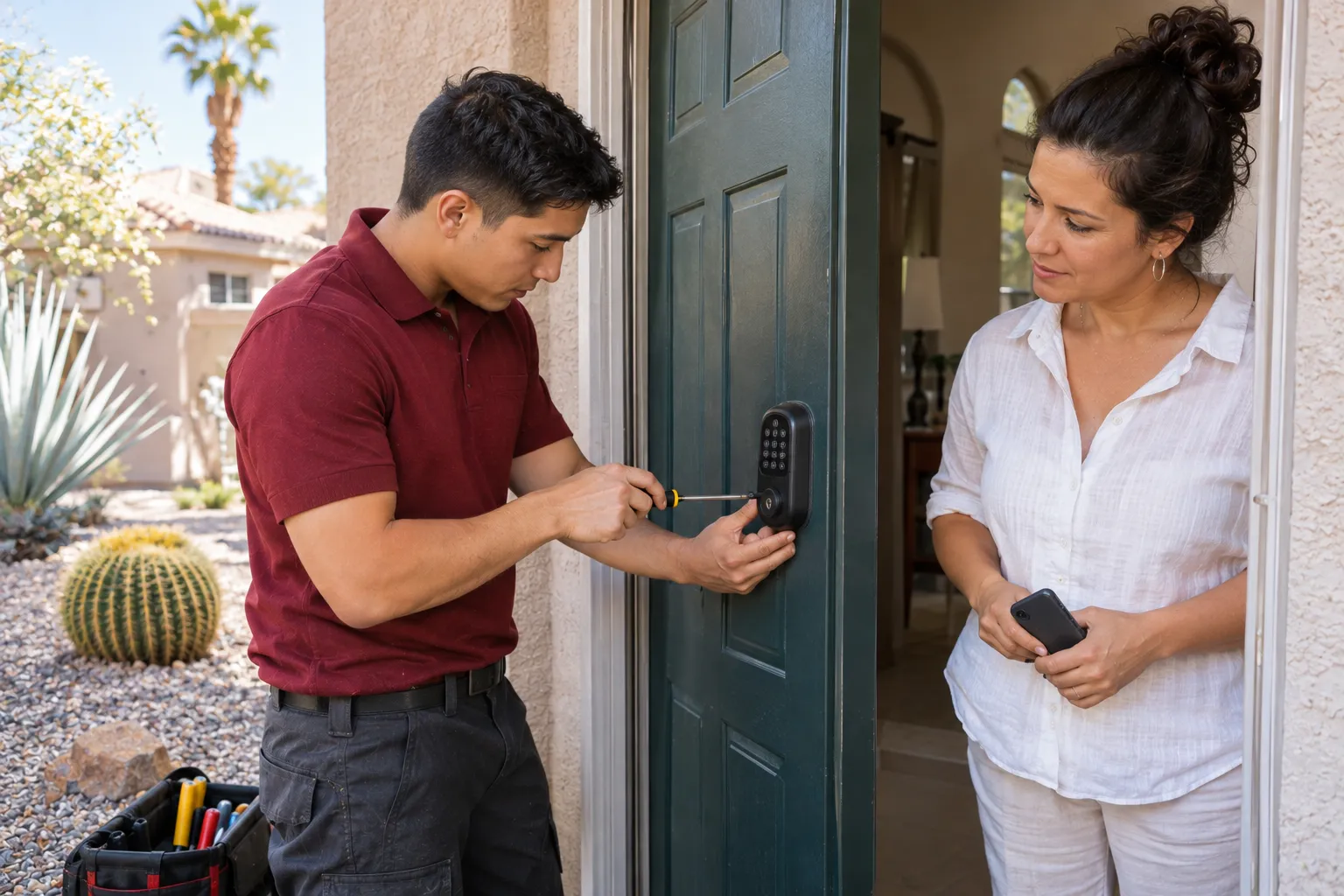
Control entry without adding metal keys. We install standalone keypad and card or fob locks, electric strikes and readers, and small managed systems for up to 16 doors.
- Keypads, cards, fobs and compatible phone credentials
- Standalone locks and managed systems up to 16 doors
- Door assessment, installation and manager training
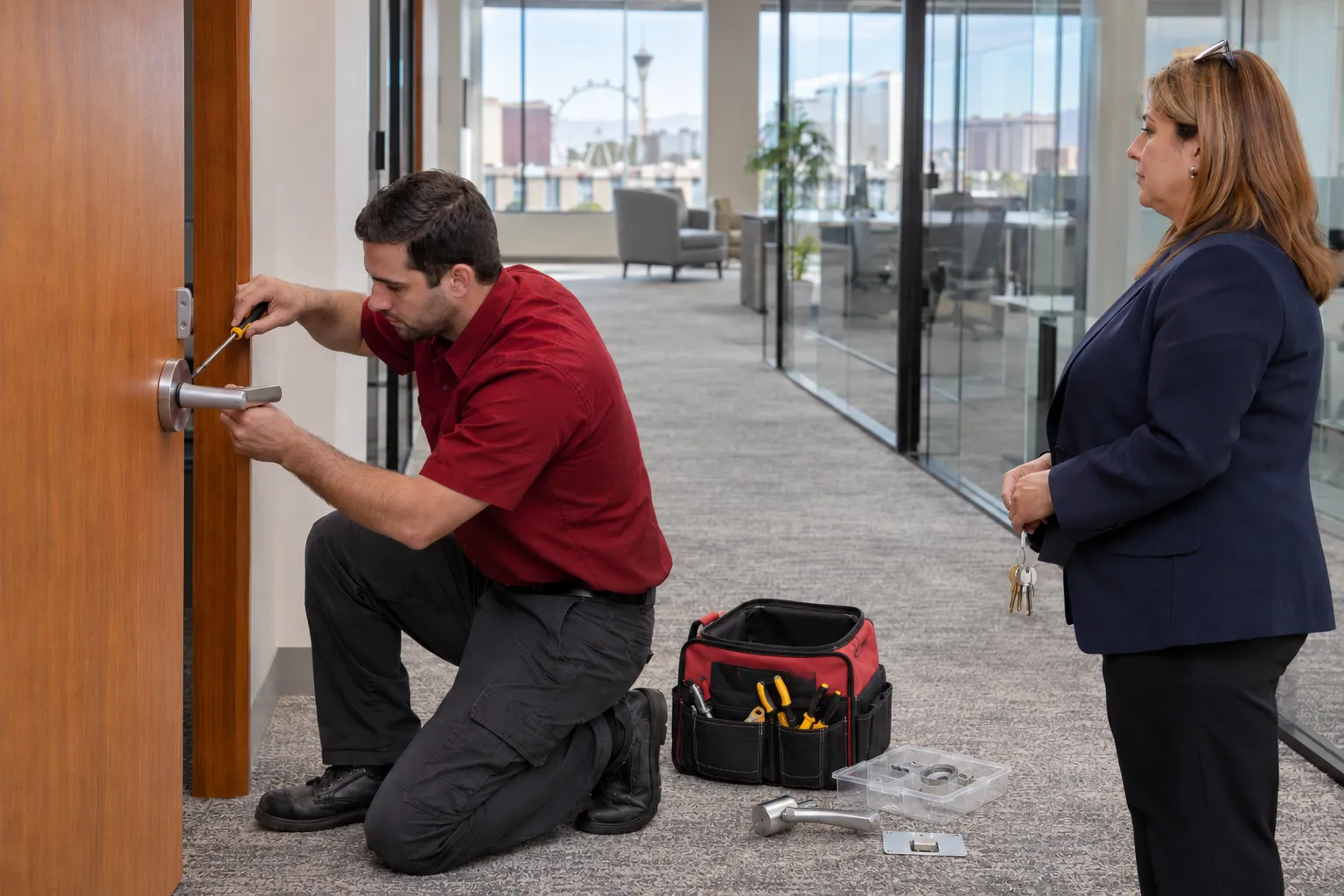
Choose how people enter
The right credential depends on who uses the door and who manages access. We review the existing hardware before recommending a system.
Keypad entry
Users enter an assigned code instead of carrying a key. Managers can change codes when access needs change.
Access cards
Staff use a card at a compatible reader or electronic lock. Access can be changed without replacing the door hardware.
Key fobs
A small fob provides entry through a compatible reader. It suits doors used regularly by employees or authorized occupants.
Phone credentials
Some electronic locks accept credentials from a phone. We check lock compatibility before including mobile access in the plan.
Electric strikes
An electric strike works with compatible door hardware and an access reader. The door and exit hardware are assessed together.
Standalone and managed systems
A standalone lock is set up at its door. A managed system lets one manager add or remove users across several doors, up to 16, from one place.
The lock is only part of the system
A reader cannot make a poorly closing door latch. We inspect the door, frame, existing hardware and intended entry method before specifying components.
The reader or keypad accepts the credential. A controller or standalone lock decides whether to allow entry. An electric strike works with the door's closer and exit device so the door can latch and people can leave. Powered components need a power supply and wiring, which are included in the installation plan.
Reader or keypad
Controller or standalone lock
Electric strike
Door closer
Exit device
Power supply and wiring
Larger networked systems and fire alarm integrations require a licensed low-voltage contractor; Cairn does not install cameras or alarms.
One door or a coordinated system
The number of openings and the way staff access is administered determine whether standalone or managed equipment makes more sense.
Standalone
A self-contained electronic lock is a straightforward choice when access can be administered at the individual door.
- Credentials managed at each lock
- Suitable for individual access points
- No shared door controller required
Managed
A managed system suits properties with several doors where one person needs to add or remove users for every door from one place.
- Planning across several doors
- Add or remove users for every door in one place
- Installations limited to 16 doors
Available functions depend on the selected equipment; we confirm credential management requirements during the walkthrough.
Entry systems for working properties
A staff entrance, shared facility and guest door do not need the same access arrangement. We plan around the people using each opening.
Offices
Manage entry for employees and authorized contacts without distributing another set of metal keys.
Medical and dental offices
Separate staff access from public-facing entrances and identify which doors need controlled entry.
Retail stores
Set up keyless entry for employee doors and coordinate it with existing storefront locks and closing hardware.
Warehouses
Review employee entrances, door closers and exit hardware before selecting access equipment for industrial units.
Apartment communities
Plan controlled entry for shared facilities such as clubhouses, gyms and pool gates, with property management approval.
Hotels and vacation rentals
Use compatible keypad locks for guest entry and separate staff or cleaner access. Hotel management software programming is excluded.
Every door gets assessed first
Access control starts with the doors, not a product list. Our commercial process establishes who needs entry, what hardware works and what installation involves.
Describe the property
Call or send a planned-work request with the property type, number of doors and access problem you want to address.
Walk the openings
We inspect locks, frames, latches, closers and exit devices, and identify any door that needs hardware attention.
Map who needs entry
We discuss employee, manager, resident or guest access and how credentials will be assigned and withdrawn.
Prepare the proposal
You receive a written recommendation identifying the equipment and proposed work. Pricing reflects the doors and hardware selected.
Approve and schedule
Once you approve the proposal, we arrange the installation, including after-hours scheduling when the business requires it.
Test and hand over
We test the installed equipment with the manager, explain credential administration and provide a record of the work at each door.
Your staff takes control at handover
The job is not finished when the reader lights up. The manager needs to operate the system and know what was installed.
Installation and testing
We fit the approved equipment, check the lock and latch, and test entry and normal exit operation with your manager.
Manager training
We demonstrate how to add and remove users using the installed equipment's supported controls.
Backup key operation
Where the chosen lock has a mechanical backup key, we demonstrate its use and hand it over to the authorized contact.
Door-by-door records
You receive a record identifying the completed work at each opening, so future service starts with the correct door information.
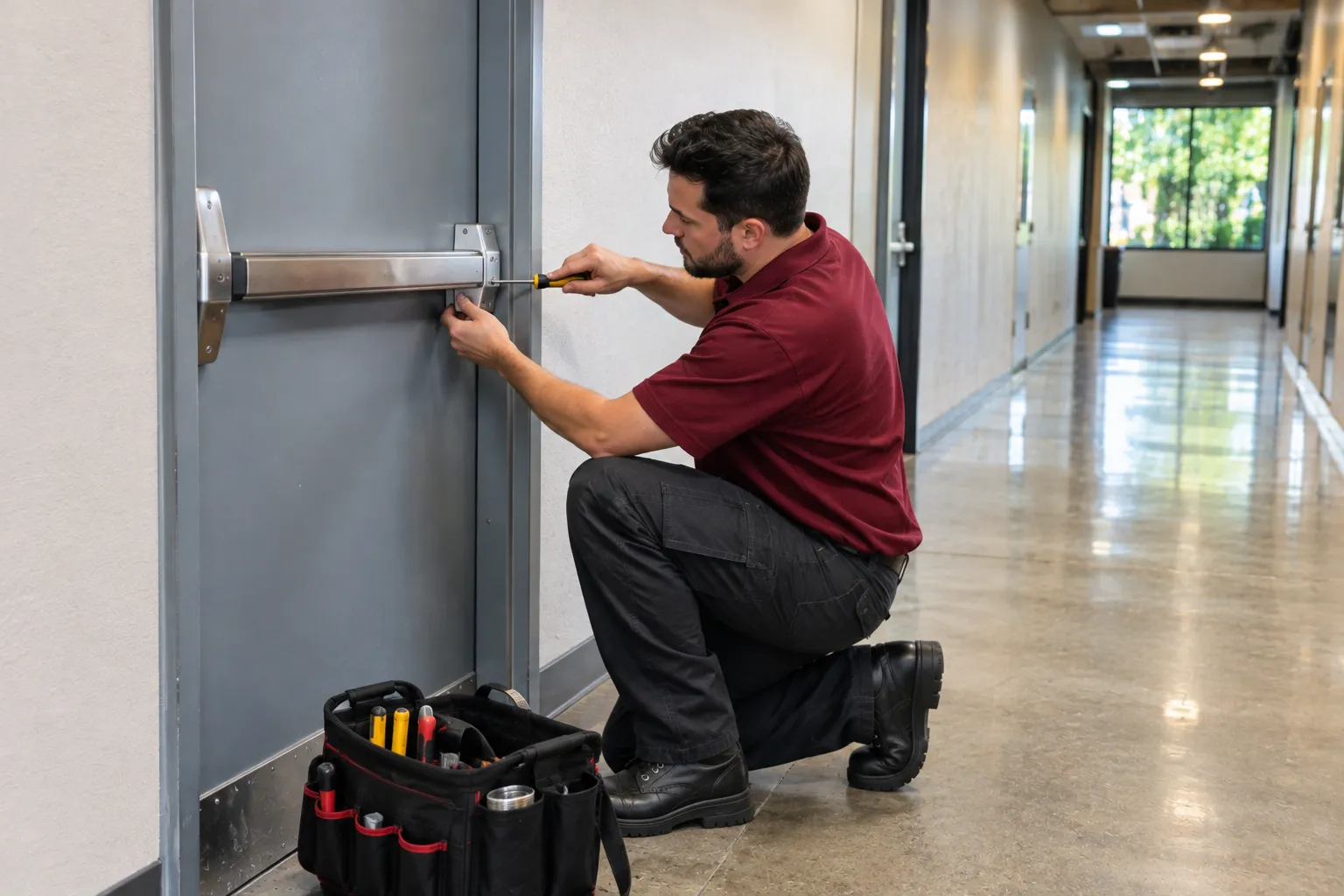
What happens after installation
The property manages routine access changes. Cairn remains available for hardware service, workmanship issues and scheduled door maintenance.
Workmanship warranty
Labor carries a 12-month workmanship warranty. If our installation work causes a lock to malfunction, we return to correct the workmanship at no charge.
User administration
After training, your designated manager is responsible for adding and removing access users as staffing or occupancy changes.
Service calls
Contact us for equipment or door hardware problems. We inspect the issue and provide a written price before repair work starts.
Planned maintenance
Yearly or twice-yearly visits inspect and adjust doors and hardware. The program is priced per door after a walkthrough.
Doors that will not secure
Call the emergency line for a failed lock or door that will not secure. A dispatcher answers at any hour.
See where keyless access fits
See keypad entry in use at a Summerlin medical office, along with the two related lock types used on commercial doors.

Keypad access for a Summerlin medical office
See how keypad entry can separate staff access from public entry at a Summerlin medical office.
Learn moreCard and fob entry systems
Compare card and fob entry for commercial doors used by employees and other authorized occupants.
Learn moreKeypad door locks
Learn where a standalone keypad lock fits and what to check before replacing a keyed lock.
Learn more
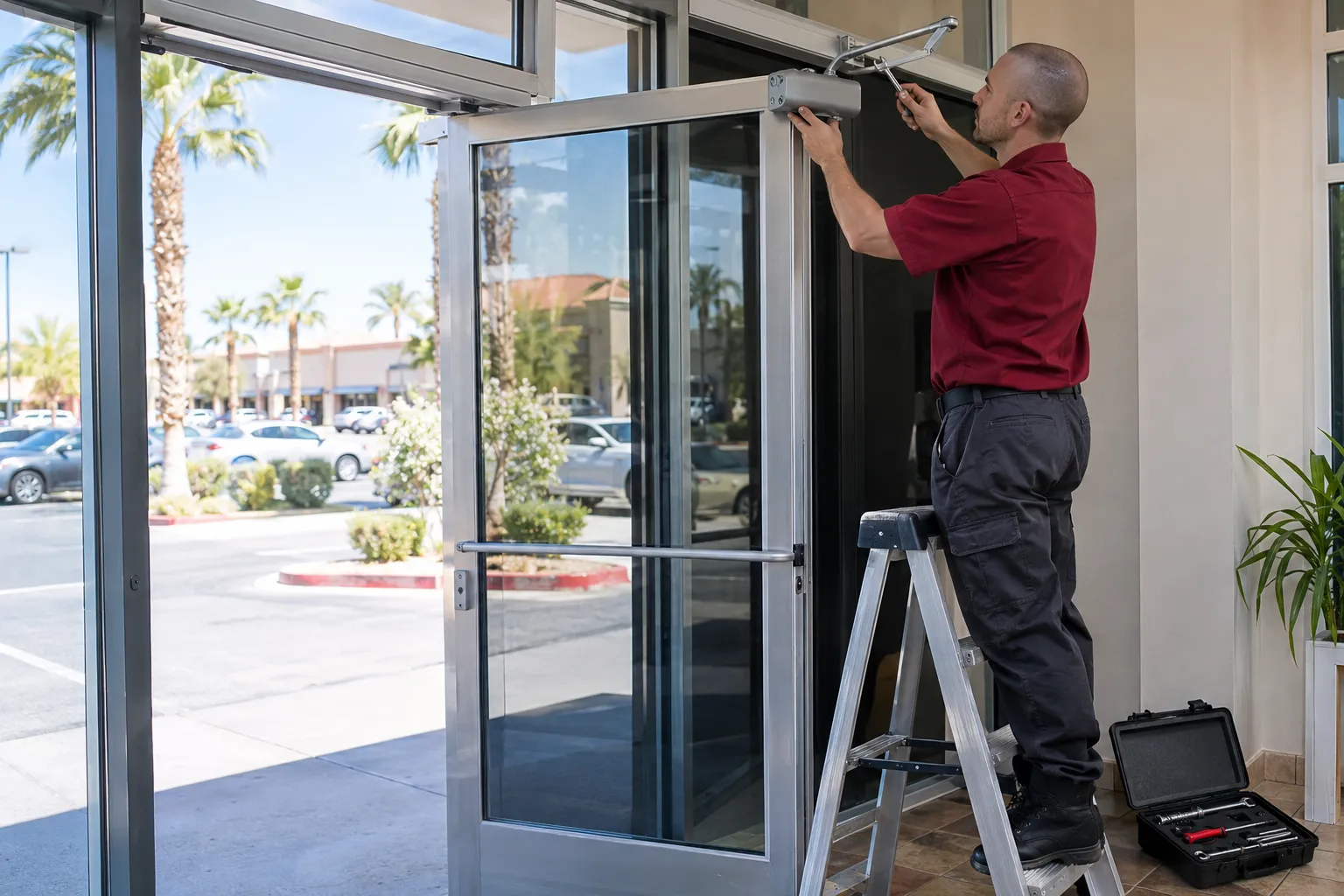
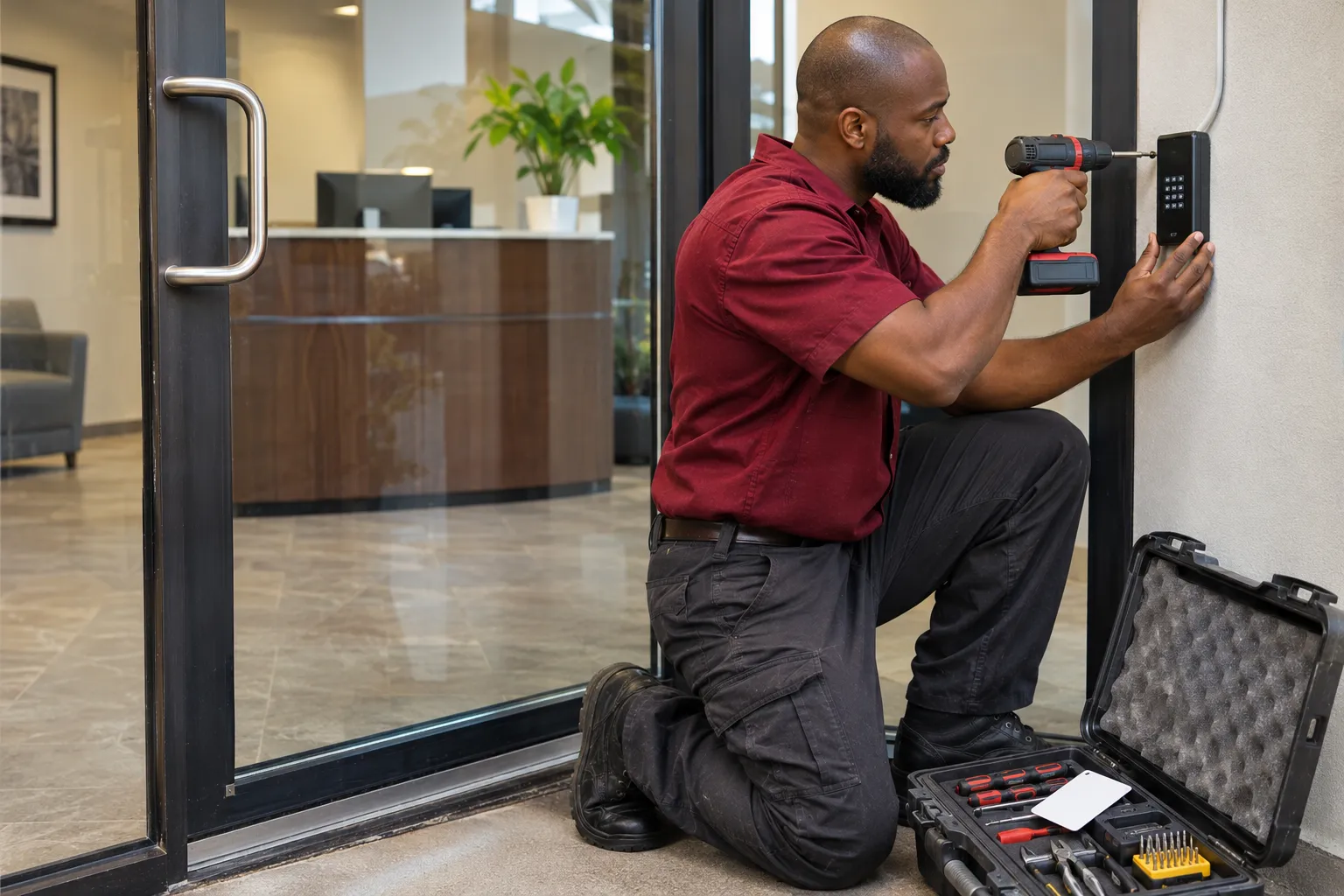
Questions before choosing a system
These are the details worth settling before equipment is ordered and access is assigned.
Call (702) 000-0000All questionsCan you put access control on our existing doors?
We inspect the door, frame, lock, closer and exit hardware before recommending equipment. Some openings need hardware adjustments or replacement before an electronic lock or strike can work properly.
Do we need a managed system for just a few doors?
Not necessarily. Standalone locks can suit individual openings, while a managed arrangement is useful when access needs to be coordinated across several doors. We assess both options during planning.
Can our manager remove an employee's access?
Yes, using the user administration functions supported by the selected equipment. We show your manager how to add and remove credentials at handover, and your business handles subsequent changes.
Will the system show who opened a door and when?
Audit trails are available only on systems that support them. If entry records matter to your business, tell us during the walkthrough so we can check that requirement against the proposed equipment.
Can you install access control on more than 16 doors?
Our managed system installations are limited to 16 doors. Larger networked projects and installations connected to a fire alarm are handled with a licensed low-voltage contractor. We do not install surveillance cameras or alarms.
What happens if the electronic lock stops working?
Call us to arrange an inspection, or use the emergency line if the door cannot be secured. Workmanship is warranted for 12 months, while hardware follows its manufacturer’s warranty. Batteries and external Wi-Fi or app problems are excluded.
How much will access control cost for our building?
Our current offer gives businesses and properties with 5 or more doors a scheduled commercial security walkthrough and written recommendation at no charge. The offer expires December 31, 2026. Installation pricing follows a written proposal based on the doors, hardware and work required.
Start with the doors you need to control
Discuss your access needs
Call Monday to Saturday, 7 AM to 6 PM, to discuss your doors, credential types and scheduling a walkthrough.
Request a planned assessment
Send the property details through the request form. We review requests during office hours and respond within one business day.