
Choose the access method first
A smart lock is not one type of hardware. The term covers several ways of operating a deadbolt or lever, and the right choice depends on who uses the entrance.
A keypad deadbolt is useful when household members need separate codes instead of carrying keys. It can also suit a rental property where the owner changes guest access between stays.
A Bluetooth lock connects to a nearby compatible phone. It suits someone who wants to operate the lock from a phone while standing near the door.
Wi-Fi locks add connected features that may allow remote access and status checks through an app. The wireless signal must reach the entrance, and the features depend on the model and its setup.
Retrofit units attach over compatible existing deadbolts. They can be worth considering when you want to retain the outside appearance or existing key cylinder. Compatibility still needs checking.
Match the lock to the people using it
Think about ordinary use before comparing connected features. A household with several regular users has different needs from an owner managing access for guests or maintenance workers.
Work through these points before selecting hardware:
- Who needs a permanent code or key?
- Who needs access for a limited period?
- Will anyone need to operate the lock without a phone?
- Does the owner need to manage the lock remotely?
- How will someone enter if the batteries stop working?
For a vacation rental, staff and cleaner codes can be kept separate from guest codes. A new code can be assigned for each guest. The owner should decide who is allowed to create, change and remove those credentials.
The same principle applies at home. An access system is easier to manage when the person responsible for the property also controls its settings.
Check your phone and smart home system
Some models work with Apple Home, Google Home or Amazon Alexa. That does not mean every smart lock supports all three systems or every feature within them.
Check the specific model’s stated compatibility with the system already in your home. Confirm which functions you want to use through the lock’s own app and which you expect to control through your smart home setup.
Also consider whether the entrance has an adequate Wi-Fi signal. A connected lock with a weak signal at the door may still perform its local locking functions, but remote features can stop working dependably.
The door determines what fits
Before ordering, check the existing door and deadbolt preparation. Most residential smart locks are made for door thicknesses from 1 3/8 to 1 3/4 inches, but each model has its own specifications.
Backset is another important measurement. Common residential backsets are 2 3/8 and 2 3/4 inches. The bore hole must also suit the chosen lock.
Physical fit is only part of installation. A deadbolt must extend and retract freely with the door closed. If the door needs lifting or pushing before the bolt enters the strike, an automatic motor will be working against that resistance.
Cairn checks these conditions and adjusts the strike where appropriate during installation.
Keep the administrator account in your name
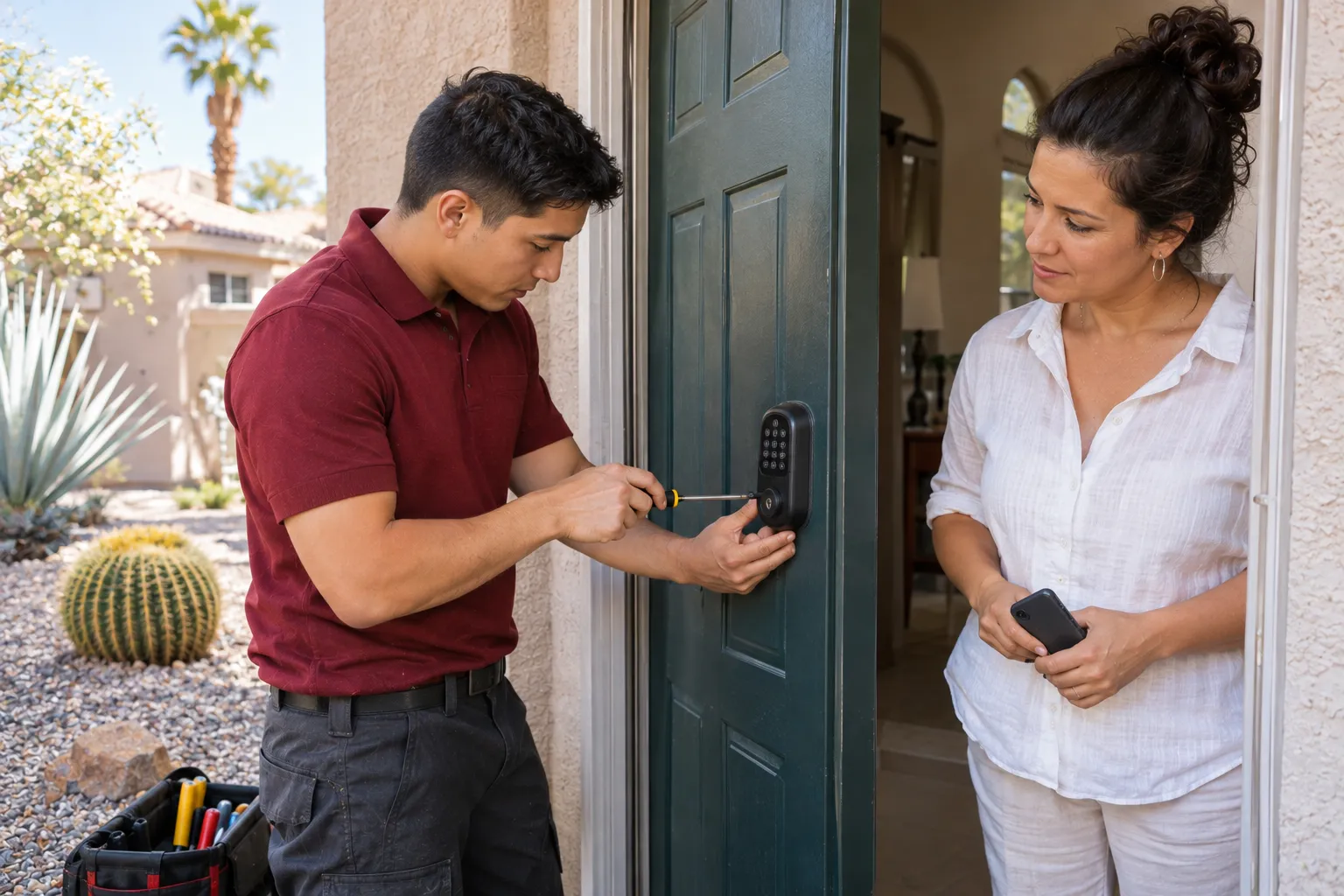
The owner should hold the primary account used to manage codes and users. During setup, Cairn pairs the lock with the customer’s phone, adds the requested user codes and demonstrates battery replacement and the backup key.
Cairn does not retain administrator logins or access codes. That matters when users change or an owner needs to update access later.
Cairn installs both company-supplied and customer-supplied smart locks. Its 12-month workmanship warranty applies to installation labor. A customer-bought lock carries the labor warranty only. Hardware Cairn supplies carries its manufacturer’s warranty, and Cairn handles the hardware claim.
Choosing the hardware before confirming its dimensions can mean buying a lock that does not suit the door. Check the fit and the access requirements first, then select the model.