
Direct sun changes battery performance
Las Vegas summer highs regularly pass 110°F. A smart lock on a west-facing door can spend much of the afternoon in direct sunlight. South-facing entrances also receive prolonged sun exposure. The outside keypad gets hot, and the batteries inside the lock may not last as long as they would on a shaded entrance.
Sun exposure can fade the keypad’s markings and finish. Fading alone does not mean the electronics have stopped working, but a keypad that becomes difficult to read is worth checking before the markings become a daily nuisance.
Most smart lock manufacturers recommend alkaline batteries from a named brand. Check the battery compartment and replace batteries according to the lock’s instructions. Make battery checks part of your spring and fall household maintenance rather than waiting for a low-battery warning.
A dragging deadbolt consumes more power
A smart deadbolt uses a small motor to extend and retract its bolt. That motor should not have to pull the door into position. If the bolt rubs against the strike plate, the motor may strain every time the lock operates.
Metal doors and frames expand in desert heat. A door that latches easily in the morning may become difficult to lock after hours of direct sun. Hinges, strikes and door alignment can contribute to the problem.
Try the lock with the door open and then closed. If the motor operates normally with the door open but struggles when the door is shut, the fit between the bolt and strike needs attention. This is a door hardware problem as much as a smart lock problem.
A locksmith can inspect the alignment and adjust the strike where appropriate. Replacing batteries repeatedly will not correct a bolt that catches on the frame.
Check the Wi-Fi signal at the entrance
A phone showing a strong wireless signal in the living room tells you little about the connection at the front door. Distance from the router and the materials between it and the lock can affect connectivity.
Check the signal where the lock is actually installed. If the lock repeatedly loses its connection, examine the wireless setup before replacing the hardware. A Wi-Fi problem does not necessarily mean the keypad or mechanical lock has failed.
Some smart locks use Bluetooth for nearby phone access, while others connect over Wi-Fi for remote features. Know which connection your model requires before troubleshooting an app that cannot reach the door.
Keep the mechanical backup usable
Many smart deadbolts include a physical key. Keep that key available somewhere other than behind the door it opens. Confirm that it operates the cylinder while the lock is working normally.
If you rely on several ways to operate the lock, check each one during routine maintenance:
- Replace aging alkaline batteries before they fail.
- Test the keypad and registered user codes.
- Check that the deadbolt moves without rubbing.
- Confirm the phone connection at the entrance.
- Test the mechanical key where one is provided.
Know when the lock needs service
A low-battery alert calls for a battery check. A motor that strains against the door calls for an alignment check. A lock that operates at the keypad but disconnects from the phone calls for a look at the wireless connection.
Those are different problems, and buying a replacement lock before identifying the cause can leave the underlying issue untouched.
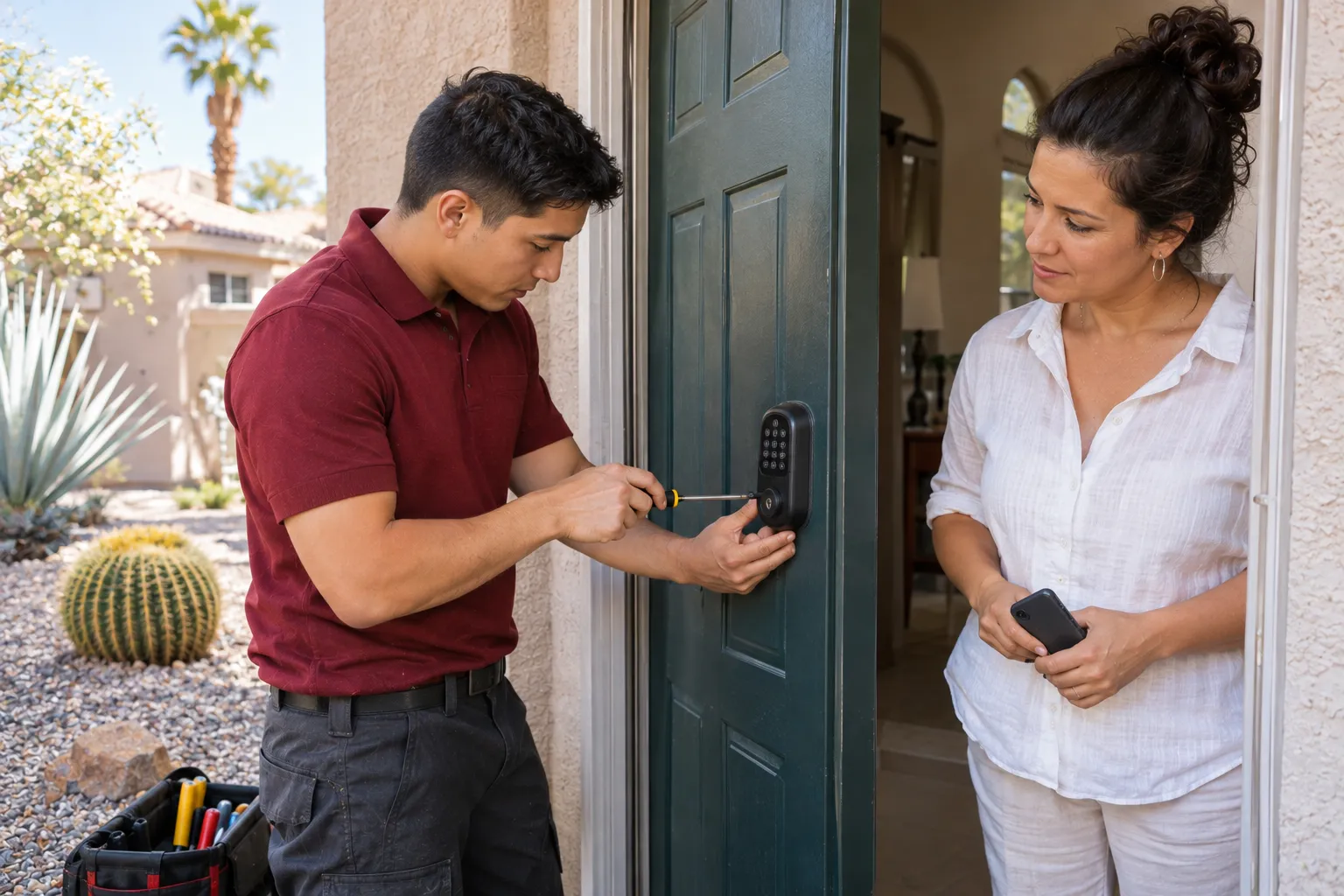
Cairn Lock & Key services smart locks and door hardware throughout the Las Vegas valley. During installation, the technician checks bolt travel, pairs the lock with the customer’s phone, explains battery changes and demonstrates the backup key. The customer retains control of the administrator account and access codes.