
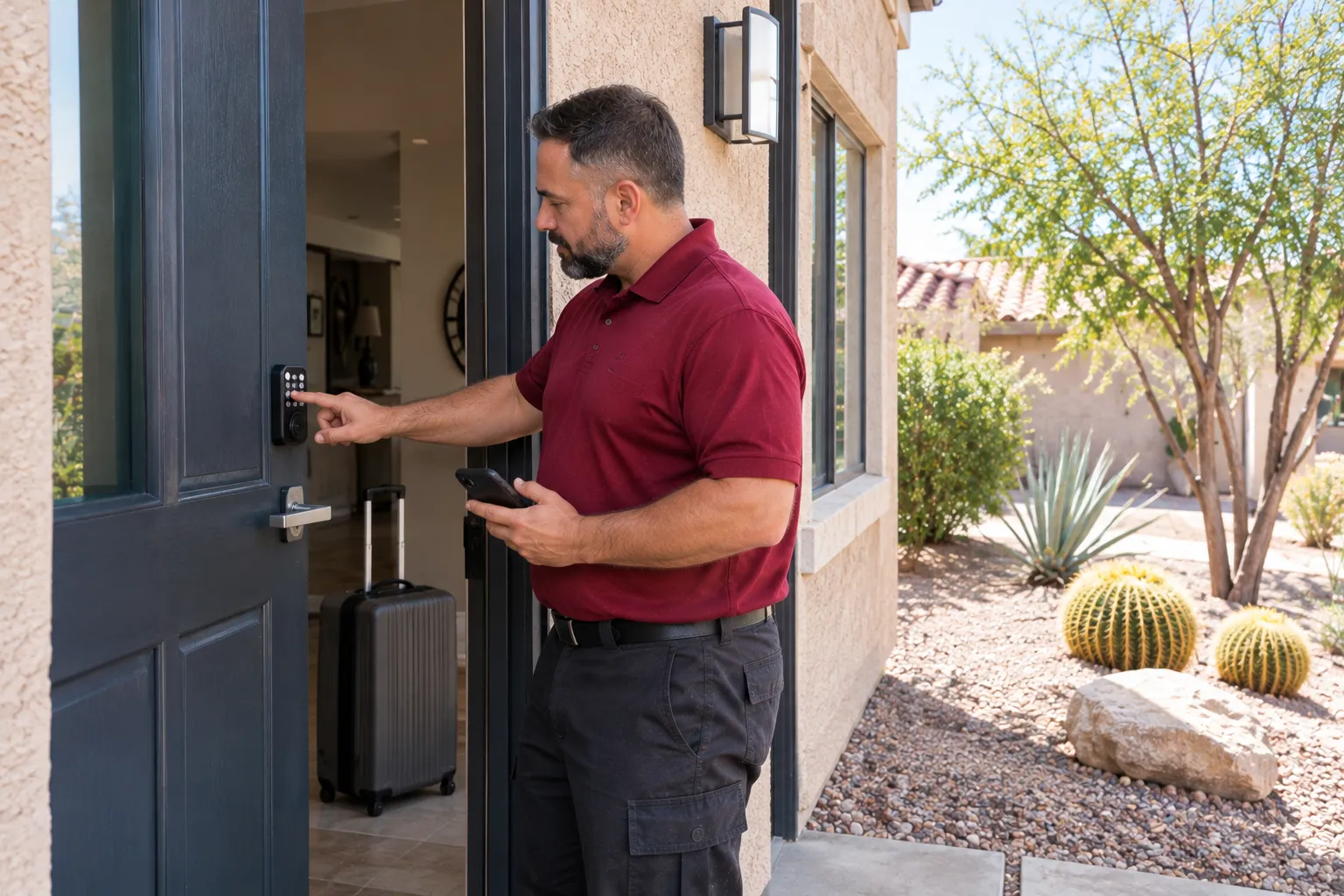
Separate guest access from staff access
A vacation rental door may be used by guests, cleaners, maintenance staff and the owner within a short period. One shared keypad code makes those visits difficult to manage because changing it affects everyone who knows it.
A smart lock that supports multiple user codes gives the owner a more useful arrangement. Each arriving guest receives a separate code, and that code is removed or changed when the stay ends. The next guest receives different access.
Cleaners and other property staff can have their own codes. Their access does not have to change whenever a guest checks out, although it should be reviewed when a staff member no longer works at the property.
Choose the lock by the access functions the property actually needs. A keypad without a phone app may suit one operation, while another owner may prefer a lock with app-based management.
Keep the owner in control of the account
The administrative account belongs to the property owner, not the installing locksmith or a temporary guest. It controls the lock’s settings and user access, so the owner should be the person who retains the login.
During installation, Cairn pairs a compatible smart lock with the customer’s phone, helps add user codes and demonstrates the basic controls. Cairn does not retain the owner’s codes or account credentials.
For a property with several authorized users, establish a simple access routine:
- Create a separate code for each guest stay.
- Keep cleaner and staff access distinct.
- Remove credentials that are no longer needed.
- Keep the administrative account with the owner.
- Maintain an available backup key where supported.
The owner should also know how to manage the lock without the person who originally installed it. That includes adding users, removing access and recognizing a battery warning.
Check the door before buying the lock
A smart deadbolt cannot correct a door that already binds. Before fitting the hardware, the locksmith checks that the existing bolt moves freely without lifting, pushing or pulling the door into position.
The installation also depends on measurements. Common smart deadbolts fit doors between 1 3/8 and 1 3/4 inches thick, with a backset of 2 3/8 or 2 3/4 inches. The bore hole must suit the selected hardware.
For a Wi-Fi lock, signal strength at the actual door matters. A strong connection elsewhere in the house does not establish that the lock will connect properly at the entrance.
Installation includes checking the strike and adjusting the hardware so the deadbolt can move without resistance. A poorly aligned door makes the motor work harder and can shorten battery life.
Plan for batteries and Las Vegas sun
Las Vegas summer temperatures exceed 110°F, and direct sun is particularly hard on an exterior keypad. A west or south facing entrance can expose the lock to intense afternoon heat, which may shorten battery life and fade the keypad.
Follow the lock manufacturer’s battery recommendation. Many manufacturers specify alkaline batteries and recommend checking them twice a year. An owner should also know how to recognize and respond to the lock’s low-battery indication.
A physical backup key, where the model provides one, is useful when electronic access is unavailable. Store it under the owner’s control rather than treating it as another guest credential.
Keep lock service and rental licensing separate
Cairn installs and services keypad deadbolts, compatible smart locks and related residential door hardware. The company can install a lock supplied by the owner, although customer-supplied hardware carries Cairn’s labor warranty rather than a hardware warranty from Cairn.
Rental licensing is the owner’s responsibility. Cairn does not advise on short-term rental rules or determine whether a property is permitted to operate as a vacation rental.
For day-to-day operation, the useful measure of a smart lock is straightforward: guests have their own access, staff credentials remain manageable, and the door locks and latches correctly after every use.